
Sign in
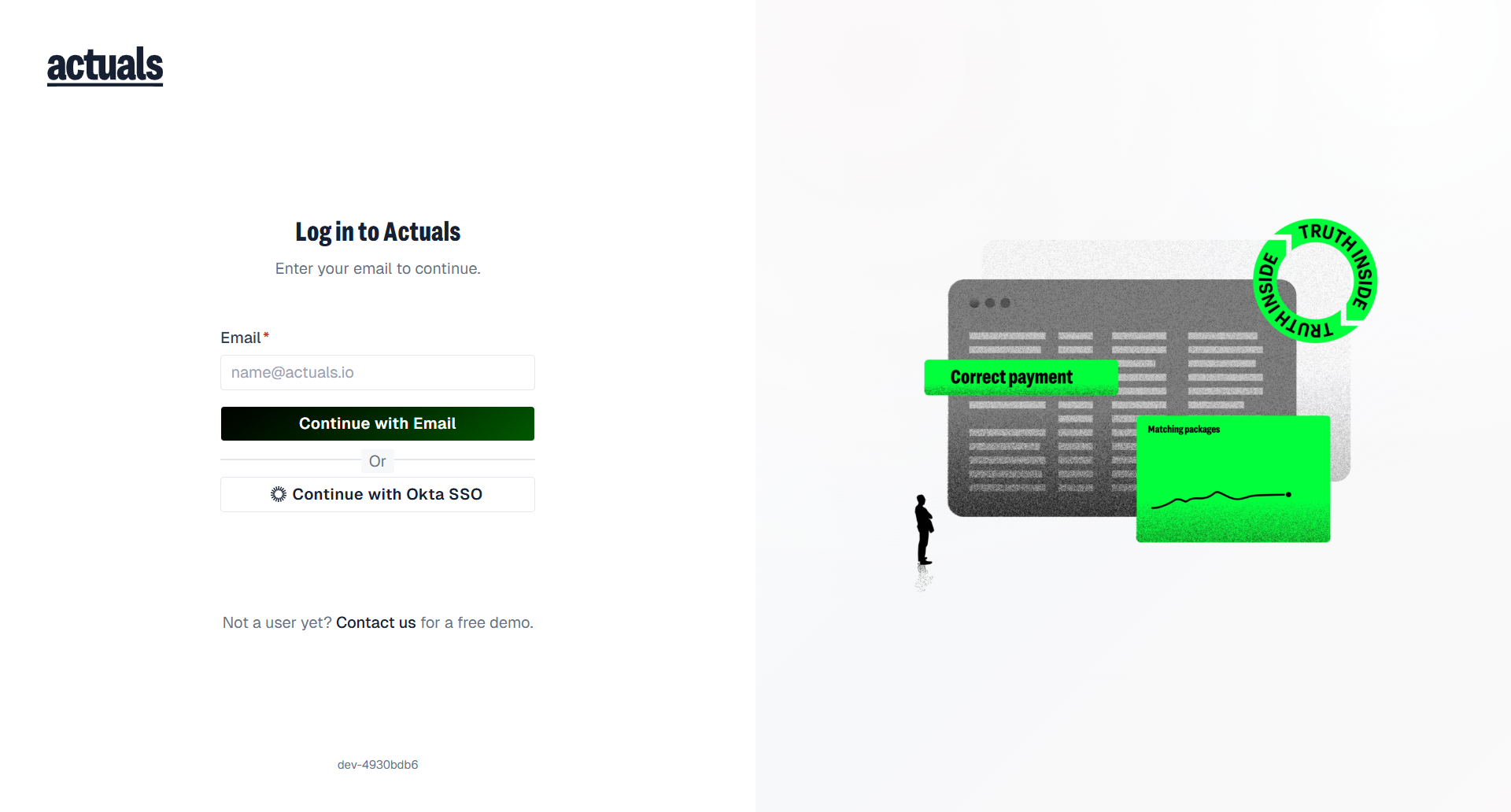
Actuals is a web application. Open https://app.actuals.io (or the environment URL your team uses, for example staging) to reach the login screen (Log in to Actuals).
Before you can sign in
You need a user account. Accounts are created by:
- Users in your company with the Users (user management) permission under Administration › Users
- Actuals Support (support@actuals.io)
- Your IT team, when your company provisions users through a third-party IAM provider (for example Okta / SCIM)
When an account is created for you, credentials are typically shared by email (unless you only use SSO).
Company environments
Every user belongs to at least one company environment. Environments are separate for data, access rights, and user management. The same person can have different roles in different companies.
Email and password
- Enter your Email, then Continue with Email.
- Enter your Password, then Log in.
- If MFA is required, enter the MFA code and Verify.
- If the platform requires a password change, set a New password / Confirm new password before continuing.
Forgot password? sends a new password email when an account exists for that address. Sign in with it, then change your password in Profile settings.
Okta SSO
If your company uses Okta SSO:
- Enter your work Email.
- Choose Continue with Okta SSO (you can switch back with Use email and password instead).
- Complete sign-in on your company’s Okta page, then return to Actuals.
SSO users are often provisioned by IT. Profile and password may be read-only in Actuals when managed by your identity provider.
After sign-in
Successful sign-in lands on Overview in the new app. Use the sidebar for Import → Transformation → Reconciliation → Reporting → Export, plus Administration and Support Center.
Need a demo? Use Contact us on the login page footer (actuals.io/contact).
Related
 Users — invite teammates
- Profile settings — personal details and password after you are signed in
 Okta SSO integration — Okta SSO setup for admins
