
Users
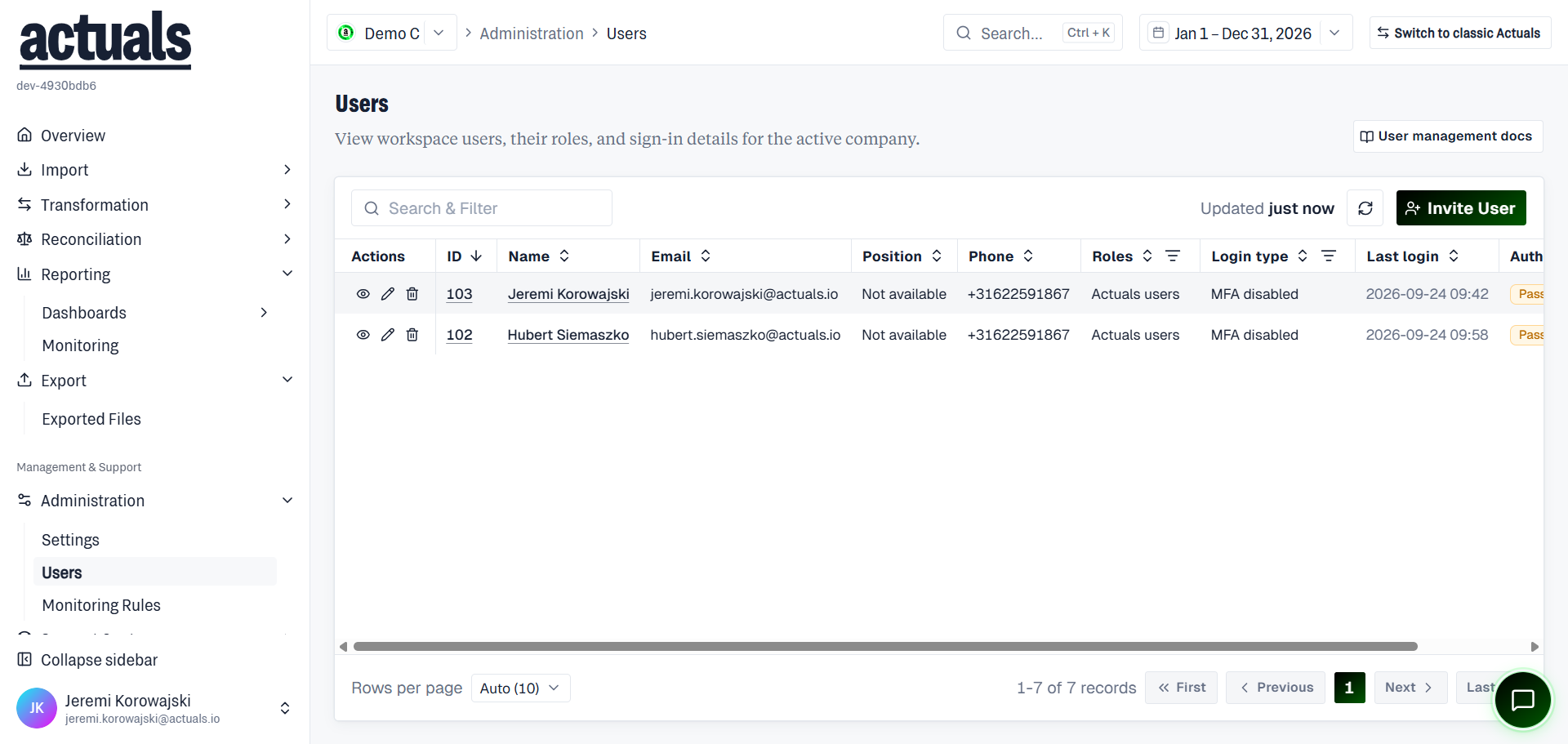
View workspace users, their roles, and sign-in details for the active company.
Open Administration › Users in the app (
/administration/users).List
Columns typically include name, email, phone, position, roles, authentication (Password or SSO), last login, and login type. Filter by role. Row actions include View, Edit, and Delete (SSO users can often be viewed but not edited or deleted here).
Invite or add users
- Invite new user — send an email invitation to join this workspace
- Add existing user — add someone who already has an Actuals account, by email
Assign one or more roles. Each role grants a different permission set; a user can have multiple roles.
Edit users
Update profile details and roles. Optionally require password change on next login for password-authenticated users.
Permissions
Inviting, editing, and deleting users requires the appropriate administration permissions.