

Import is where you manage credentials and sources, review collected files, and inspect raw rows in the app. Which integration method to use (connectors, SFTP, API, and more) is documented under  Data integration.
Data integration.What you do here
- Set up connections — store credentials, then create sources that use them.
- Collect data — connectors pull data on a schedule, or you upload files manually.
- Inspect what arrived — review files and browse raw rows before mapping runs.
Turning raw data into Actuals transactions (iterations, mapping, transformation schedule) lives under Transformation, not Import.
Import overview
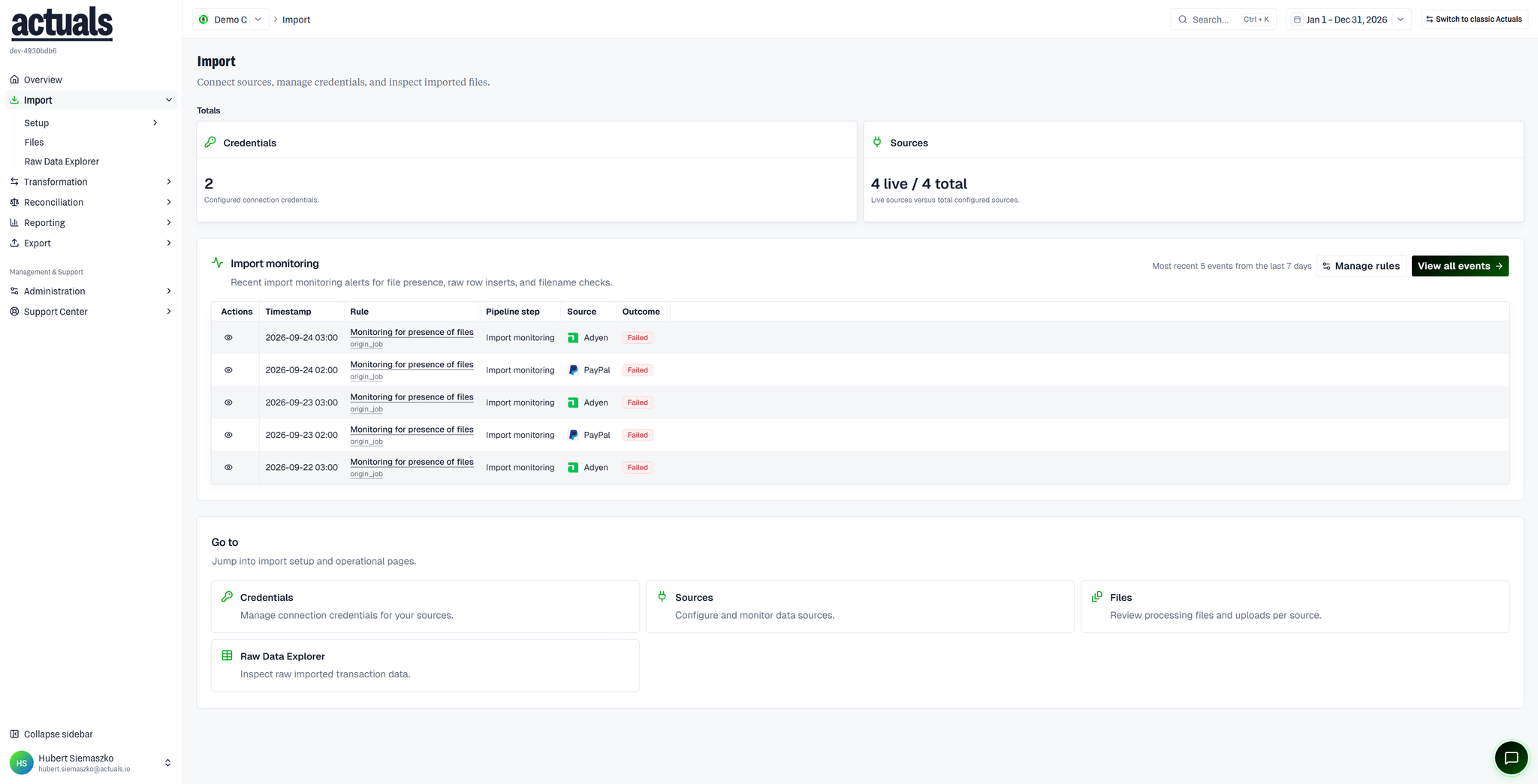
The Import landing page shows:
- Totals — how many credentials you have, and how many sources are live vs total
- Import monitoring — recent collection or pipeline events (timestamp, rule, pipeline step, source, outcome), including failures worth investigating
- Go to cards — shortcuts into Credentials, Sources, Files, and Raw Data Explorer
Pages in this section
plain textImport
├── Setup
│   ├── Credentials
│   └── Sources
├── Files
└── Raw Data Explorer
 Setup — credentials and sources
 Files — processing files and uploads per source
 Raw Data Explorer — browse and export raw imported rows
How you provision data (UI upload, SFTP, connectors, API, and more) is documented under Data integration.
Data integration.Related in Transformation
 Mapping — iterations and data mapping (moved off each source)
- Transformation Schedule — when collected data is converted into transactions
SetupFilesRaw Data Explorer