
Dashboards
Browse and open embedded BI dashboards configured for your company.
Open Reporting › Dashboards in the app (
/reporting/dashboards).(Formerly Insights.)
How it works
Dashboards are company-configured embeds. From the Reporting landing you can see how many are available, open cards, or use the Dashboards sidebar group (individual dashboard titles appear underneath).
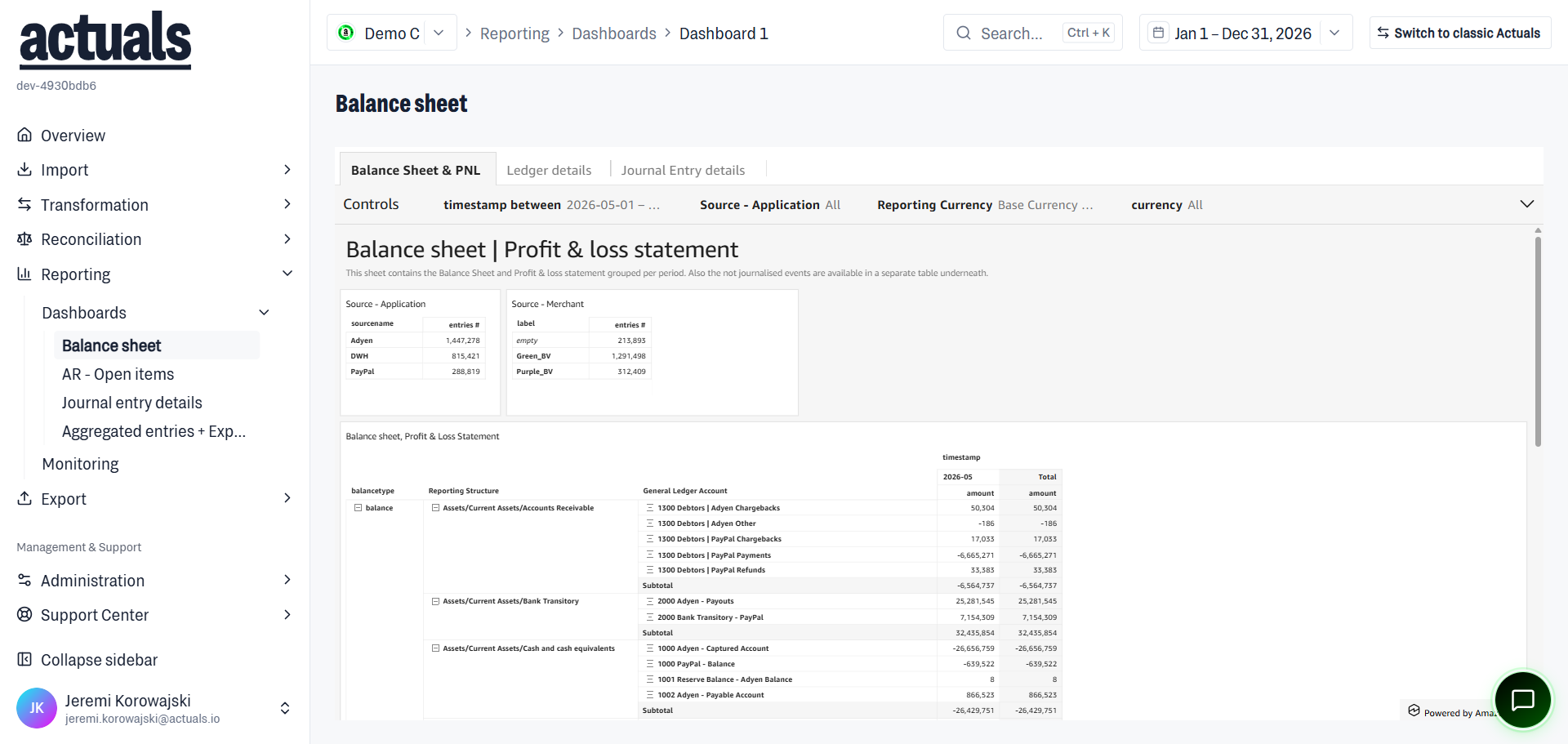
Opening Dashboards (
/reporting/dashboards):- If at least one dashboard is configured, the route redirects to the first dashboard (
/reporting/dashboards/{id}), for example Balance sheet
- You can also open a specific dashboard from the landing cards or the sidebar list
- If none are configured, you see No dashboards yet — ask an administrator to add dashboards under Administration › Settings
The dashboard body is an embedded view. Depending on the external BI URL and permissions, content may take a moment to load or show a placeholder until the embed is ready.
Permissions
You need permission to view dashboards. Without it, the page shows an access-denied message.
Tips
- Dashboard content and layout are owned by your company’s configuration — this area opens them; it does not author the underlying BI report definitions in-app
- Use the financial range control in the app chrome when available (for example a Jan–Dec year range)
- For operational health (pass/fail of pipeline rules), use
 Monitoring instead