
Monitoring Rules
Configure tenant monitoring rules from global templates and choose which roles receive alerts.
Open Administration › Monitoring Rules in the app (
/administration/monitoring-rules).Outcomes and trends for these rules appear under Reporting › Monitoring (and as compact widgets on Import / Transformation / Reconciliation landings).
What you can do
Create, view, edit, and delete monitoring rules. Empty state: No monitoring rules yet.
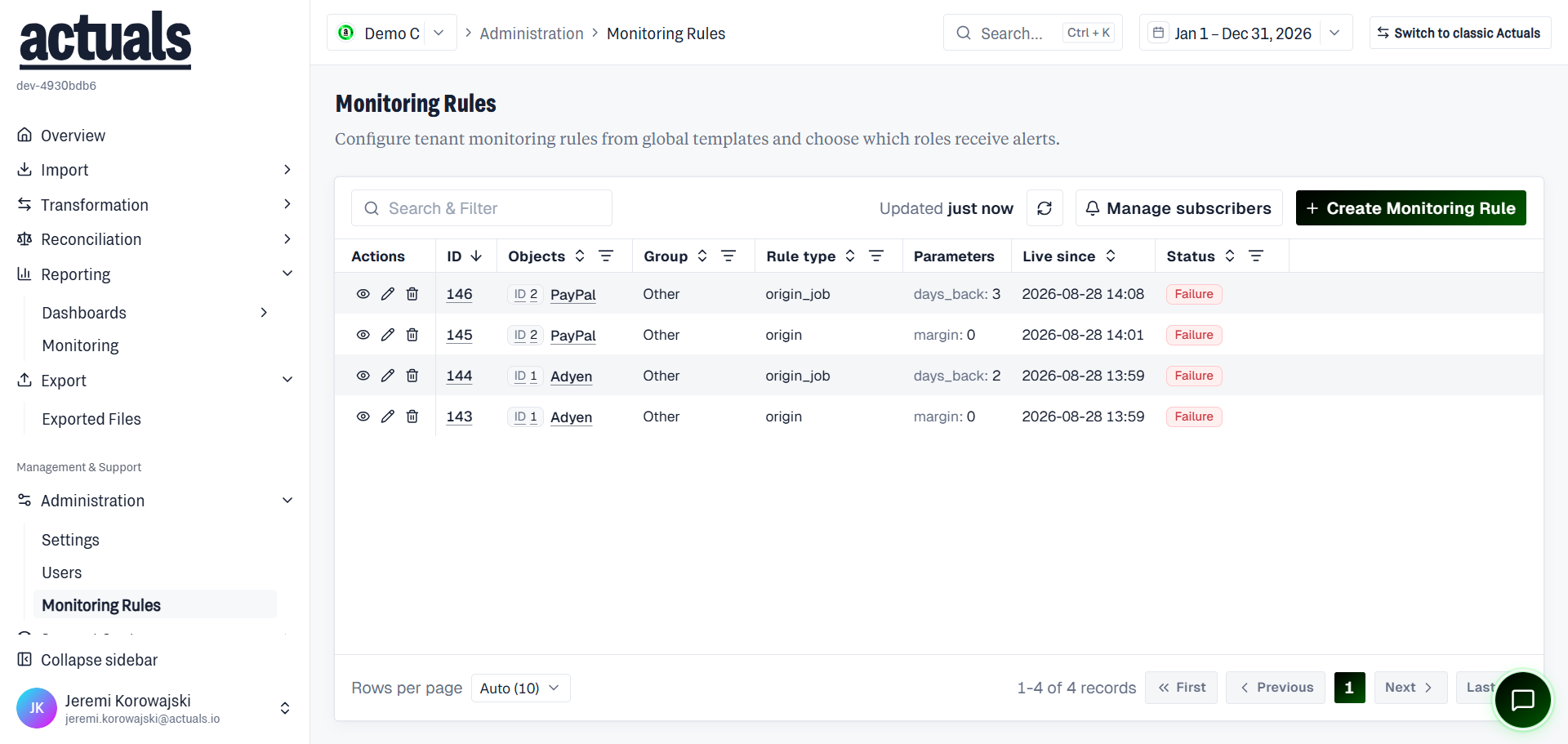
Create a rule
- Choose Create Monitoring Rule.
- Select a global rule template (type).
- Choose the object to watch (for example a source or matching package).
- Set parameters and any schedule / send configuration the template requires.
- Save. The rule becomes active for this company.
System rules may be locked from edit/delete.
Notification subscribers
Manage which roles receive alerts for monitoring rules in this company (company-wide subscriber list).
Related
- Reporting › Monitoring — event log, KPIs, and charts
- Section landing Manage rules / View all events shortcuts