
Settings
Configure administration defaults for pages, filters, branding, and environment-specific keys.
Open Administration › Settings in the app (
/administration/settings).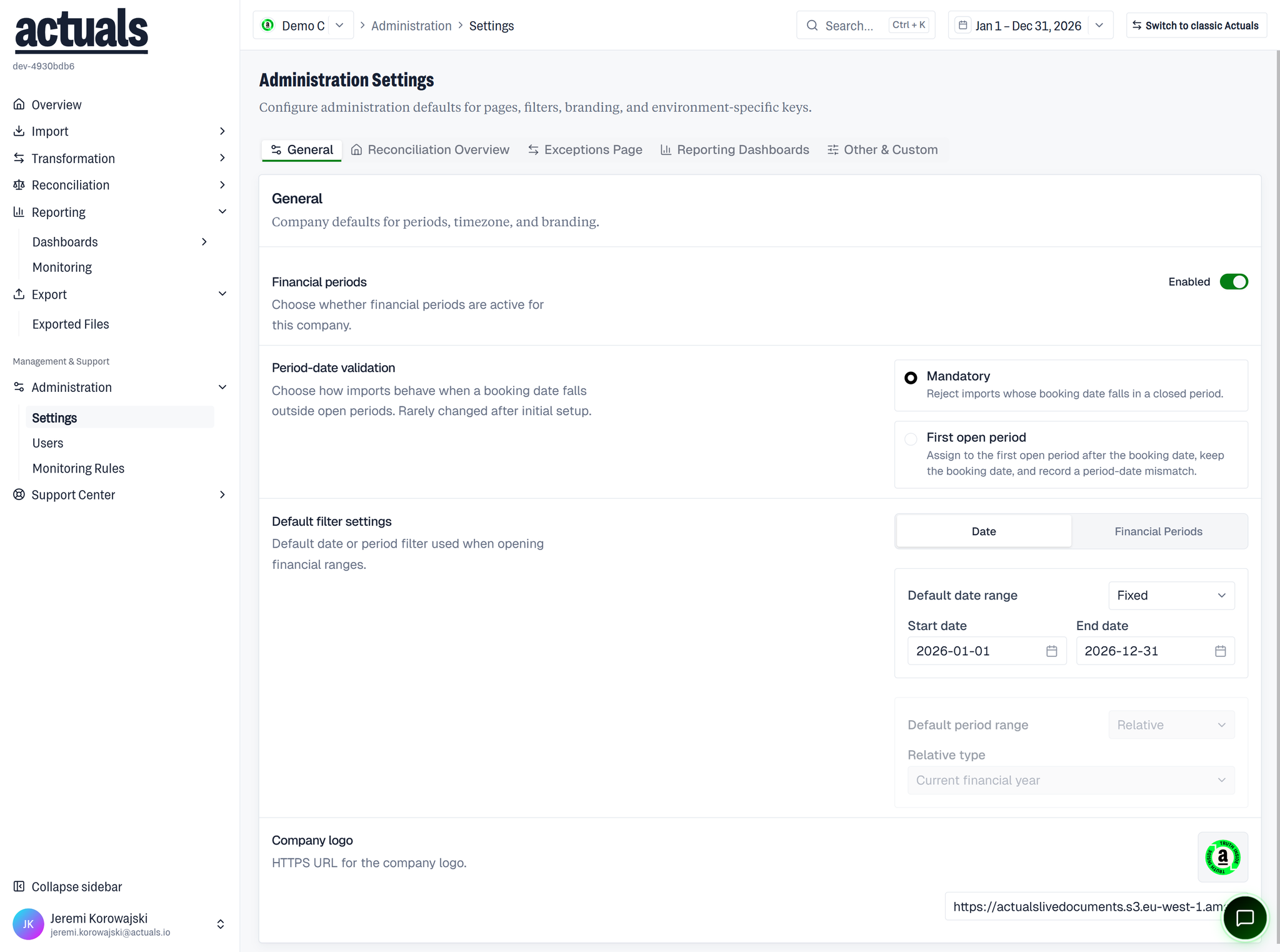
What you can configure
Typical company settings include:
- Time zone and related locale defaults
- Default filter / financial range behavior (date vs financial period, fixed or relative ranges)
- Dashboards — add embedded dashboards (ID, title, URL, roles that can open them) used under Reporting › Dashboards
- Column details and other page/filter presentation options
- Branding such as logos (HTTPS URLs)
- Custom key/value settings where your environment supports them
- Feature toggles such as periods-enabled style flags when configured for the company
Apply changes with Apply. Some settings (for example a full default-filter editor) may show as read-only until a dedicated editor is available.
Tips
- Dashboard URLs must be valid HTTPS links
- After changing default ranges, you can optionally update the current financial range to match
- Monitoring rules and user access are separate pages under Administration