
Goal: store secrets so a source can connect to a provider (PSP, ERP, bank, and so on).
Open Import › Setup › Credentials.
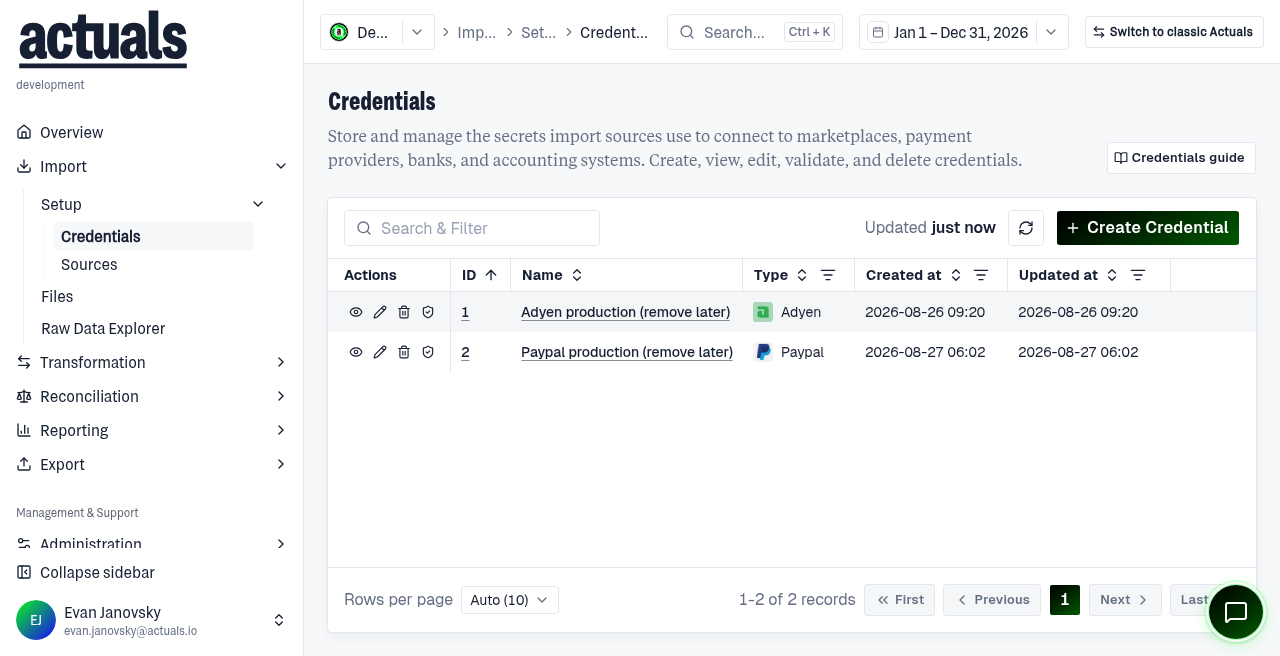
Steps
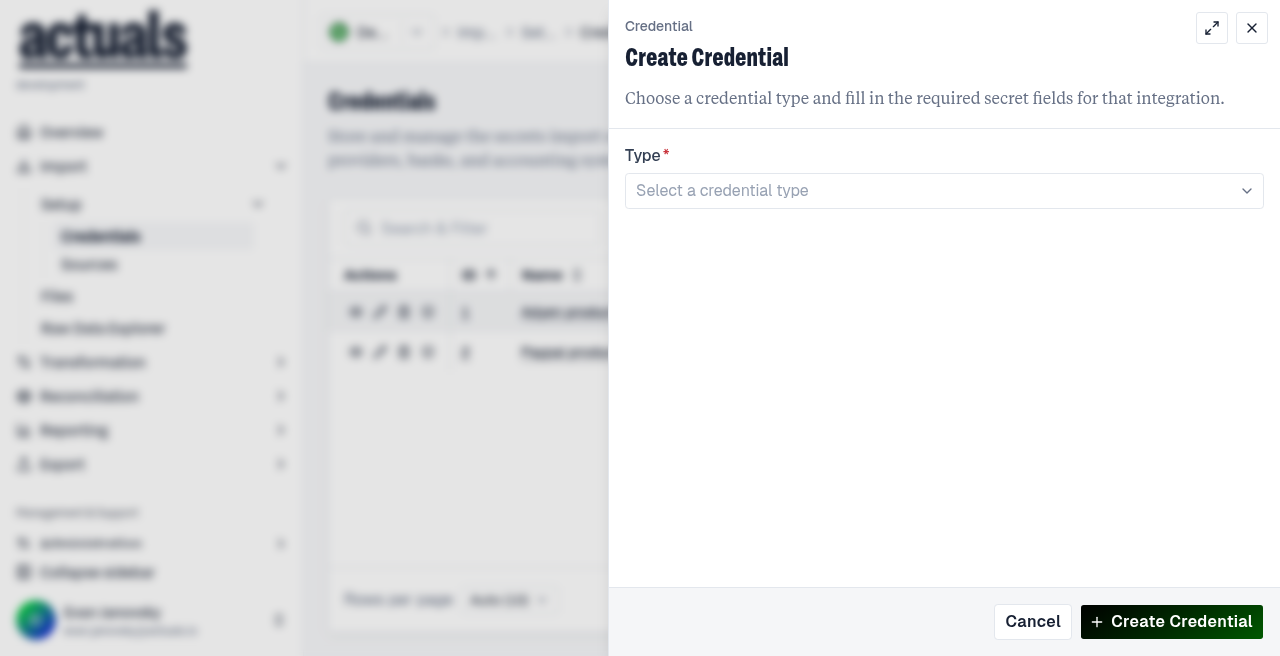
- Choose Create Credential.
- Select the type that matches your integration (for example Adyen or Stripe).
- Enter a clear name (for example
Production Adyen - EU).
- Fill the secret fields for that type.
- Prefer Create and Validate so Actuals checks the connection right away.
After create
- Connection verified — ready to attach to a source
- Validation failed — fix fields and use Validate Credentials again
If you saved without validating, open the credential and validate before using it.
Next
Create a source and select this credential — see  Create a source or the full
  Credentials page.
Create a source or the full Credentials page.Vendor-specific secret fields:  4. Application connectors.
4. Application connectors.