
Credentials
Credentials store the secrets import sources use to connect to marketplaces, payment providers, banks, and accounting systems.
Open Import › Setup › Credentials in the app.
What you can do
- Create, view, edit, validate, and delete credentials
- Choose a credential type that matches the integration (for example Adyen, PayPal, or a bank connection)
- Fill the secret fields required for that type
- Validate the connection so the credential is ready for imports
Credentials list
The table shows ID, Name, Type, Created at, and Updated at. Use Search & Filter and Refresh to find credentials. Row actions include View, Edit, Validate Credentials, and Delete.
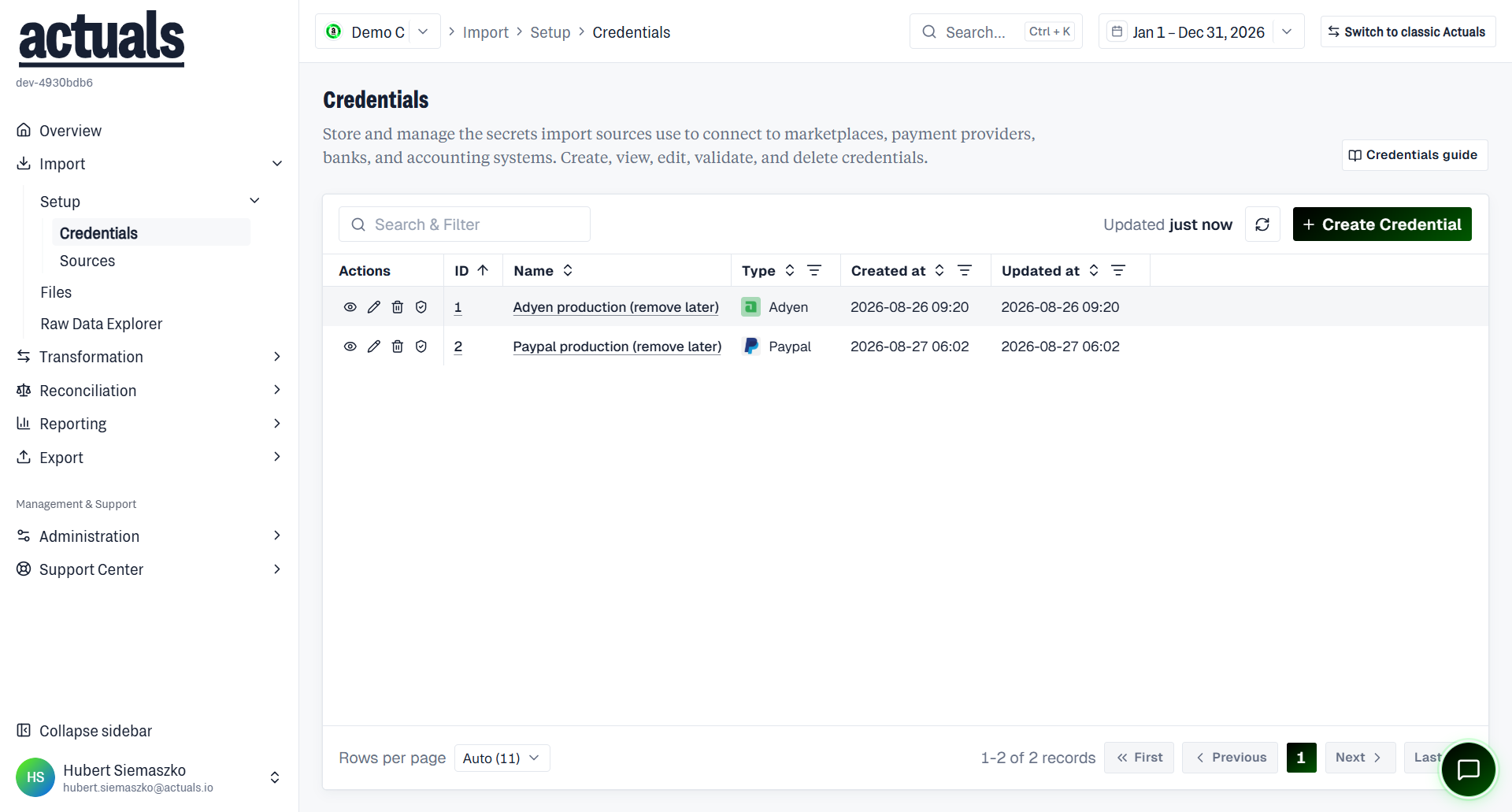
On the detail page, secret fields are masked. You can switch between view and edit, validate again, or delete the credential.
Create a credential
- Open Import › Setup › Credentials and choose Create Credential.
- Select a type.
- Give the credential a clear name (for example
Production Adyen).
- Fill in the required secret fields for that type.
- Prefer Create and Validate so Actuals checks the connection immediately.
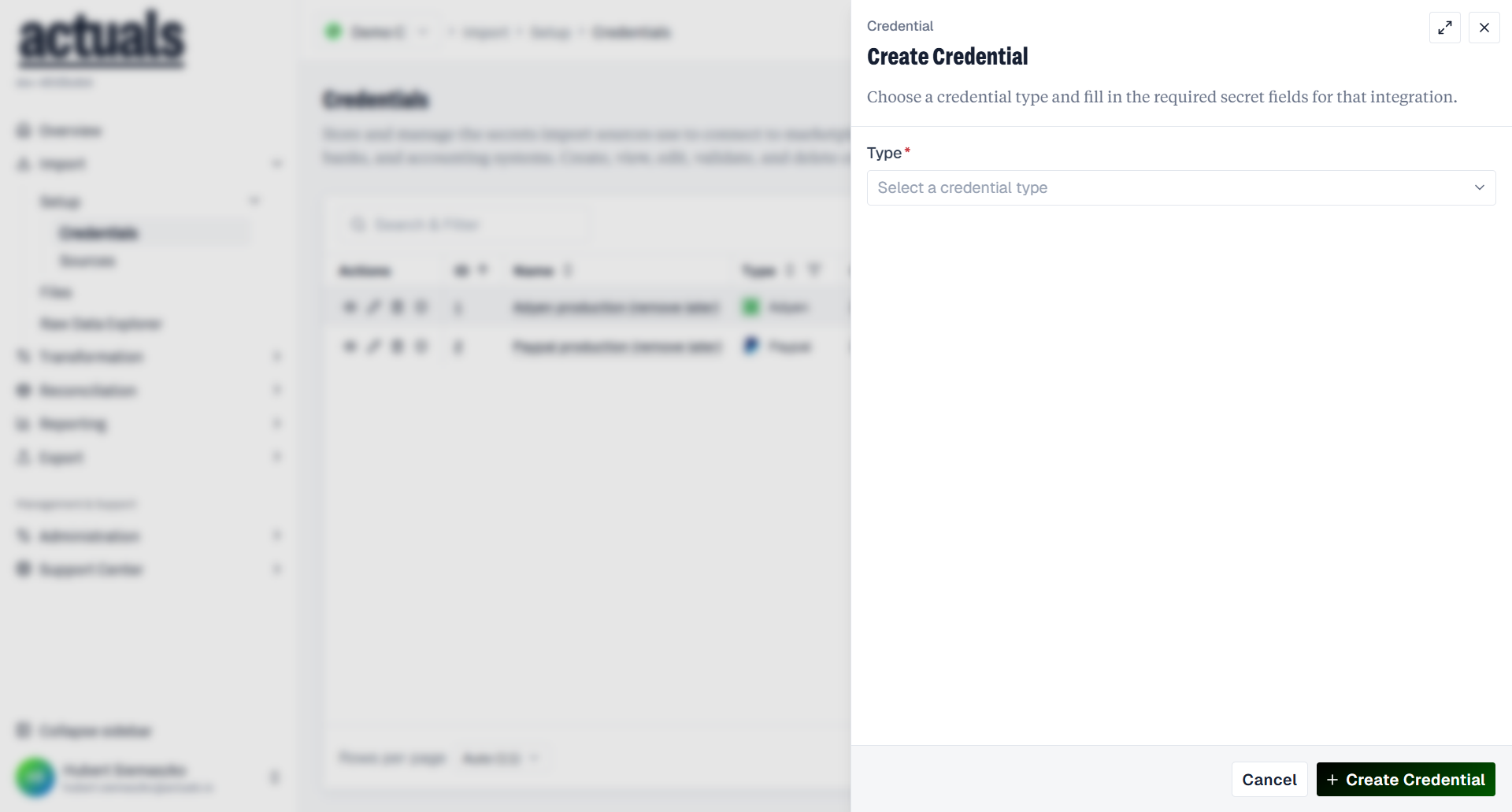
If you save without validating, use Validate Credentials on the detail page before you rely on the credential in a source.
Validate a connection
Validation checks that Actuals can reach the provider with the stored secrets.
- Connection verified — the credential is ready to use
- Validation failed — review the fields, update secrets if needed, then validate again
- Validation may time out; retry if that happens
When you change secret values, they take effect immediately. Re-validate if the provider connection changed.
Edit and delete
- Edit a credential to rename it or replace secrets. Use Update and Validate when you change connection details.
- Delete removes the credential. Sources that still point at it need a different credential before imports can continue.
- You can also delete multiple credentials at once from the list.
Permissions
Your role must allow viewing, creating, updating, validating, or deleting credentials. If an action is blocked, ask an administrator to adjust your permissions.
Next step
After a credential is validated, create or update a source under  Sources and select that credential.
Sources and select that credential.