
Goal: define a dataset feed (connector or file-based) that uses a validated credential.
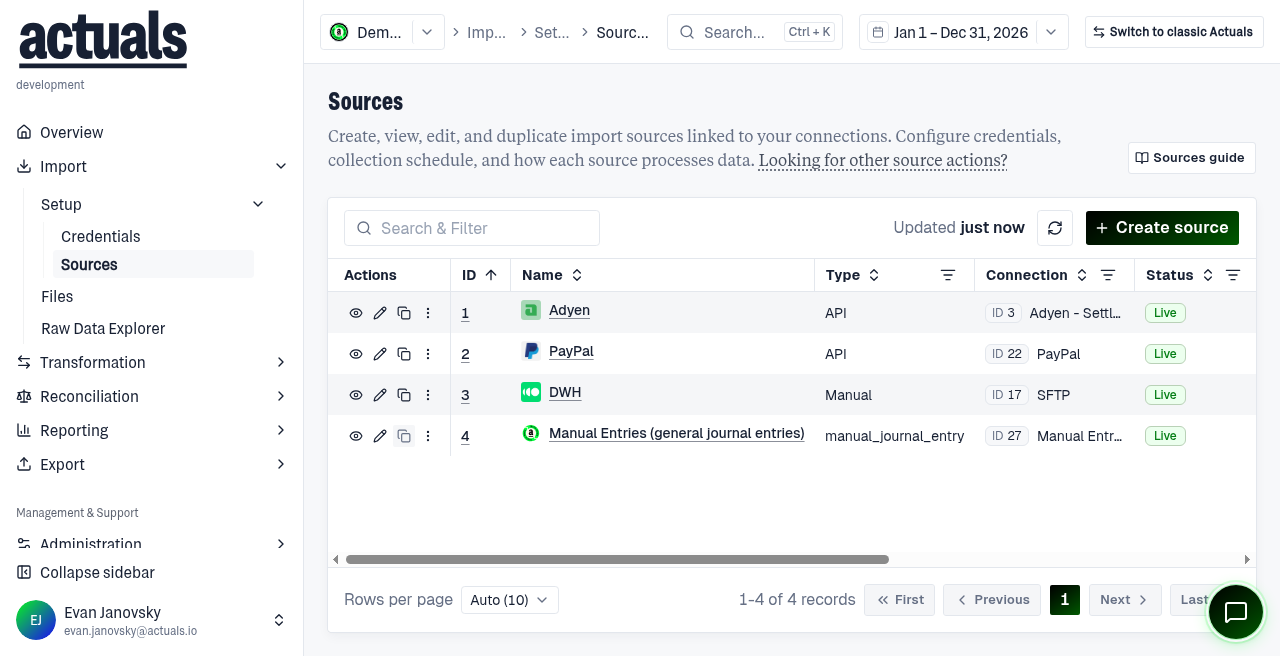
Open Import › Setup › Sources.
Before you start
Have a matching credential ready (or create one first).
Steps
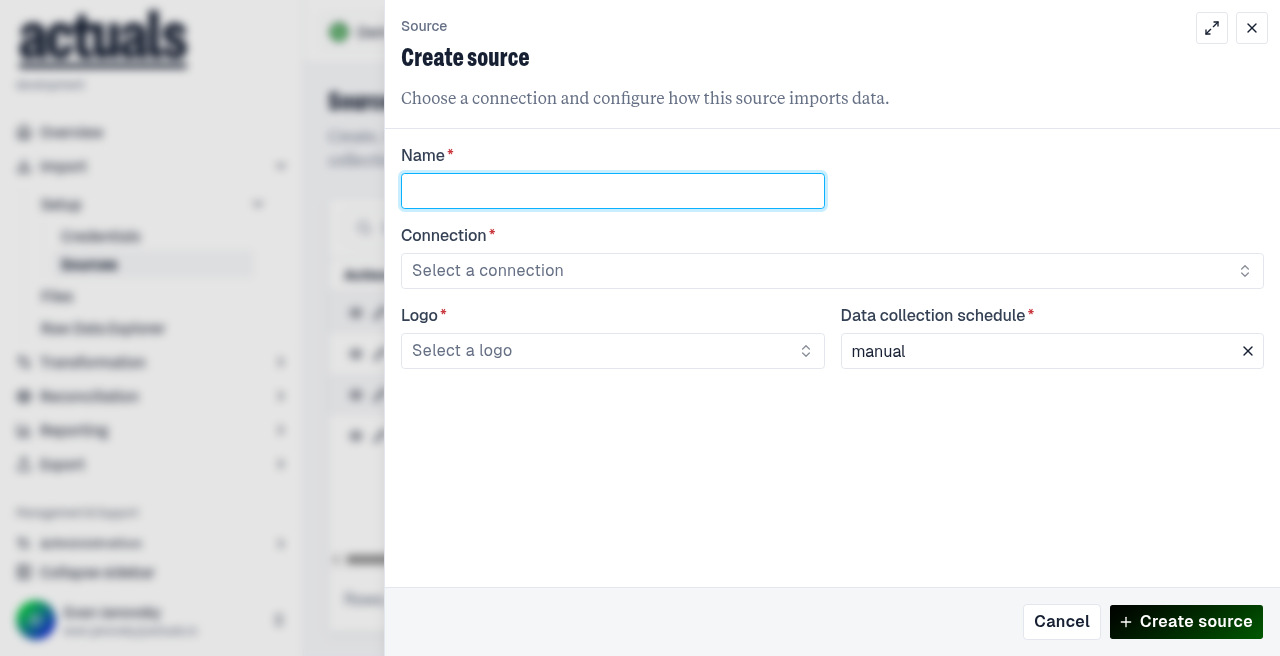
- Choose Create source.
- Select a connection (this cannot be changed later for that source).
- Select a credential of the matching type.
- Configure general settings: Name, collection schedule, processing type, headers / filters as needed.
- Save.
- Confirm whether the source is on the Transformation Schedule (or add it).
Tips
- Connection-specific defaults are usually fine unless your implementation guide says otherwise.
- Collection (pull/upload) and processing (into transactions) are separate.
Next
- Upload or wait for files: Import › Files
- Map data: Transformation › Setup › Mapping
Full reference:  Sources.
Sources.